
 Add to Chrome
Appointments
Visa slots, passport interviews, DMV, doctor’s offices. Cancellations appear without warning and disappear in minutes. Let AutoRefresher monitor appointment availability while you do something else.
Also: ticket drops, job postings, restocks and price drops.
Auto refresh pages and get alerts when content changes.
Add AutoRefresher to Chrome in one click. No account needed, no signup forms, no permissions beyond what the extension requires.
Pick any open tab, choose your refresh interval, and hit Start. Set up page monitoring with custom keywords to track exactly what matters to you.
AutoRefresher watches your pages in the background. The moment your target keyword appears — an appointment slot, a ticket drop, a price change — you get an alert.
AutoRefresher works on any page that changes. These are where people use it most.
Visa slots, passport interviews, DMV, doctor’s offices. Cancellations appear without warning and disappear in minutes. Let AutoRefresher monitor appointment availability while you do something else.
Presales sell out, then resale inventory trickles back. AutoRefresher can track ticket drops on Ticketmaster and event pages and alert you the moment inventory reappears.
New listings land on LinkedIn, Indeed and Upwork all day. Early applicants get read. Set AutoRefresher to monitor job postings and be first in the queue.
Most auto refresh extensions are free until they aren’t. Multiple tabs auto refreshing, customizing refresh intervals — not so free. Notifications reporting that your target(s) just (dis)appeared arrive, but not for free. AutoRefresher comes without such surprises. You do not need to trust us blindly — install AutoRefresher and see for yourself.
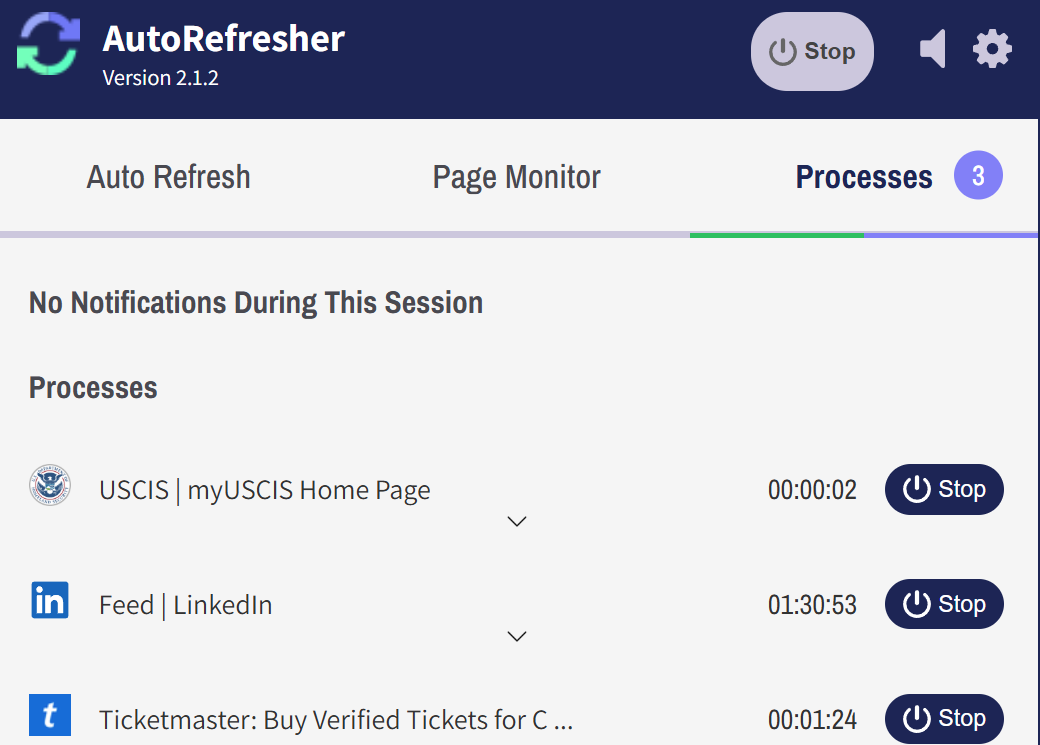
Chrome auto refresh runs on as many tabs as you need, each on its own interval, all of them at once — nothing throttles after the second or third. Chrome auto reload isn’t something the browser does by itself, and most extensions that add it meter anything under a minute; this one doesn’t meter at all. You set up auto refresh once and it holds until you stop it.
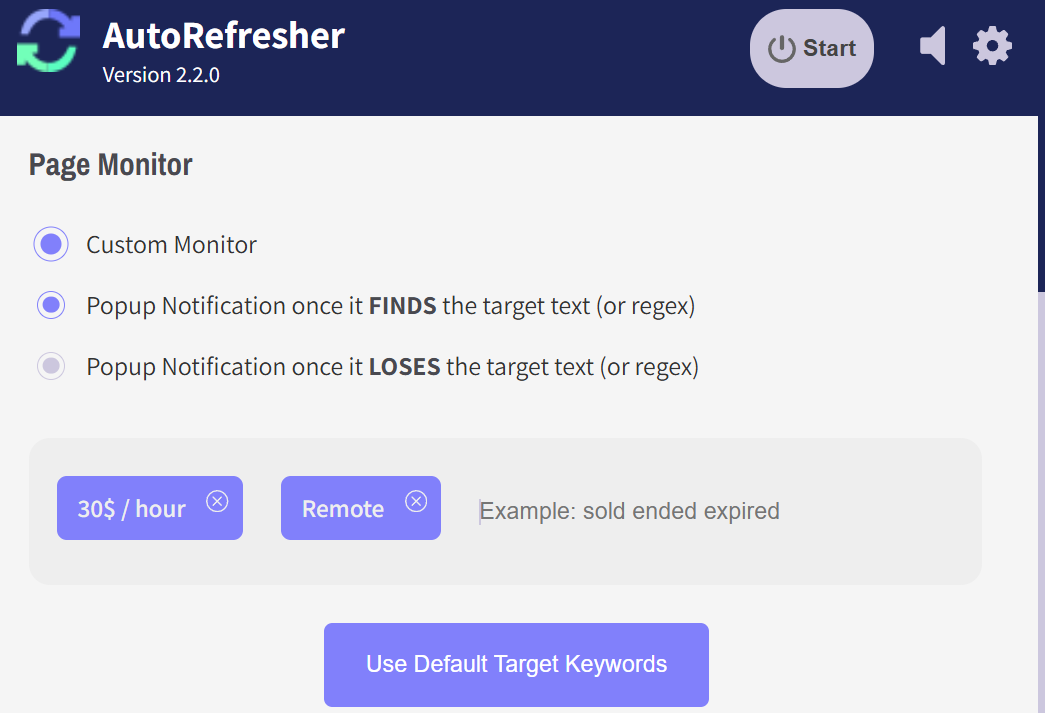
Refreshing tells you a page reloaded; monitoring tells you what changed on it. Set the words that matter — a seat release, a status flip, a number that moved — and wait for Chrome notification to bring you good news. You can monitor pages for changes with no quota on how many pages or how often they’re checked.
AutoRefresher is a free auto refresh Chrome extension in the ordinary sense of the phrase — the whole extension, permanently, with nothing kept back for a tier that doesn’t exist.
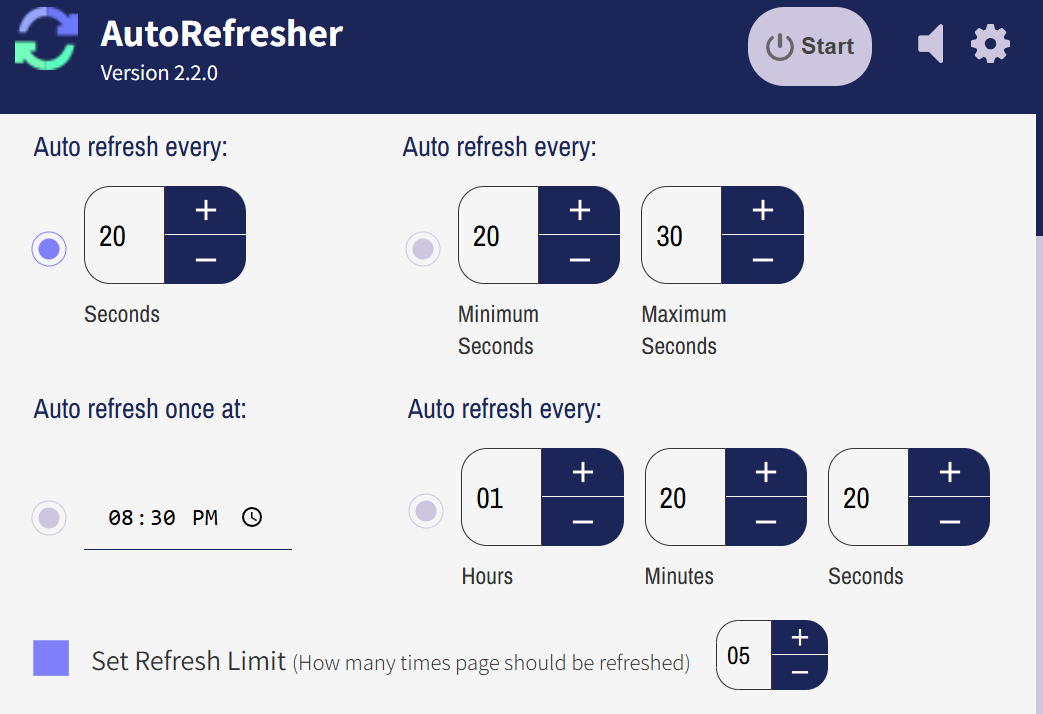
Refresh every few seconds if that’s what the page needs. There is no minimum interval held back for a paid plan.
Run one process or twenty. Nothing counts them, and nothing slows down when you add another.
No trial window, no monthly check quota, no account to lapse. There is nothing to upgrade to.
Your data never leaves your browser. AutoRefresher runs entirely on your own machine — there is no account, no server of ours in the loop, and nothing about the pages you watch is collected, stored or sent anywhere. That is also why it costs nothing to run: there is no infrastructure to pay for and no data to sell. Check the permissions before you install and you can confirm all of it yourself.
Install AutoRefresher, open the page you want reloaded, and set how often it should refresh. That is the whole setup — no account, no signup, nothing to configure beyond the interval. The tab then reloads on that schedule until you stop it.
Each tab is configured on its own. Different tabs can run different intervals at the same time, each with its own monitoring settings, and every one of them keeps running whether or not you are looking at it — background tabs, tabs in windows that are not in focus, and Chrome minimised behind something else entirely. Set one tab reloading every ten seconds and another every hour, then go and do something else.
Open the product page, set AutoRefresher to reload it, and turn on page monitoring so it watches the page text. When the price changes, a browser notification tells you. The same setup works for anything a site edits in place — stock status, availability, delivery dates — because it watches the text rather than knowing anything about prices.